


Payment Methods
Accepted Payment Methods
At YOEYOU, we offer secure and convenient payment options to make your shopping experience simple and seamless.
We accept major credit and debit cards, including:
EXPRESS
We also accept PayPal as an alternative payment method.
The payment methods listed above are among the options available on our website. If your card issuer isn't listed, don't worry. You can still proceed to checkout to see if your card is accepted.
Available payment methods may vary depending on your location, device, and order eligibility. The payment options available for your purchase will be displayed at checkout.
Secure Payments
Your payment security is important to us.
All transactions are processed through secure payment systems designed to protect your payment information.
YOEYOU does not directly store your full credit or debit card details.
For your security, please complete all payments through our official checkout. Never share your card details, passwords, or verification codes through email or unsecured communication channels.
Pay With Credit or Debit Card
Select Credit Card at checkout and enter your card details to complete your purchase.
Depending on your card issuer, additional verification may be required to authorize your payment.
If your card is declined, please verify your payment information and contact your bank or card issuer if necessary.
Pay With PayPal
Select PayPal at checkout to complete your purchase using your PayPal account.
You may be redirected to PayPal to review and authorize your payment before returning to our website.
Payments made through PayPal are subject to PayPal's applicable terms and security procedures.
Payment Issues and Assistance
If your payment is declined or unsuccessful, please follow these steps before attempting another transaction.
Verify Your Payment Information
Check that your card number, expiration date, security code, and billing information are entered correctly.
Check Your Card Status and Available Funds
Make sure your card is active, has sufficient available funds or credit, and is authorized for online purchases.
Contact Your Bank or Card Issuer
Your bank may decline or temporarily block a transaction for security reasons, spending limits, or other restrictions.
If the issue persists, please contact your bank or card issuer to confirm whether the transaction was authorized.
Confirm Your Payment and Order Status
Before attempting another payment, check your email for an order confirmation and review your bank or payment account for any transaction activity.
A pending authorization or temporary hold does not necessarily mean your payment was completed or your order was successfully placed.
If you notice a charge but have not received an order confirmation, please verify the transaction status before placing another order to avoid potential duplicate charges.
Contact YOEYOU Customer Support
If your bank confirms there are no issues with your payment method but you are still unable to complete your purchase, please contact our customer support team for assistance.
Email: customerservice@yoeyou.com
For faster assistance, please include your order number, if available, and a brief description of the issue.
For your security, please do not send your full card number, security code, or account passwords.
Get Help Faster
-
A Simple Way to Reach Us
No need to open your email. Just fill out the form, and we'll take it from there. -
Stay Connected With YOEYOU
Featured collection
-
Yoeyou EMS Recovery Boxer Briefs
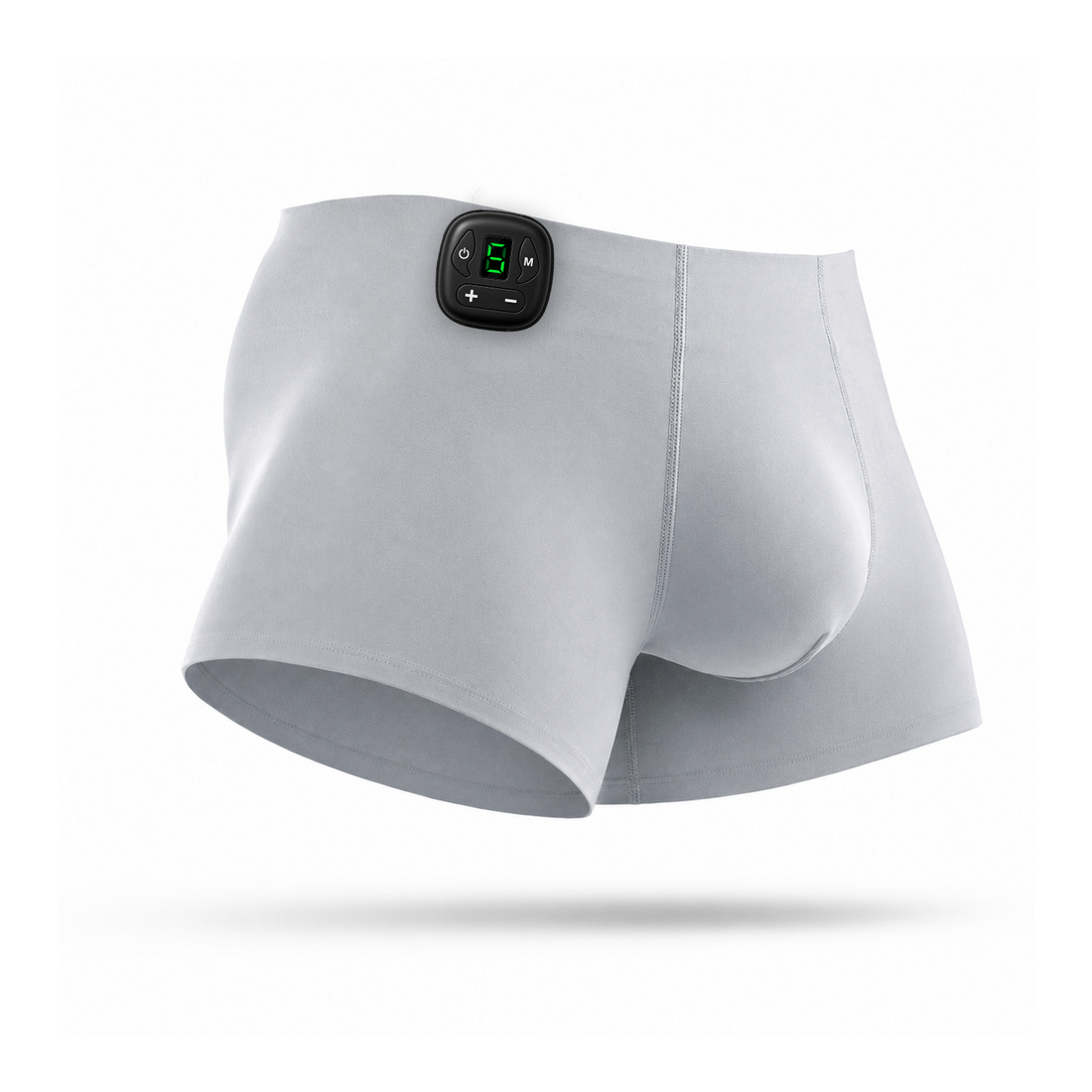 Yoeyou EMS Recovery Boxer Briefs
- Regular price
-
From
$89.00 - Regular price
-
$175.00 - Sale price
-
From
$89.00
Quick view
-
Yoeyou EMS Toning Shorts
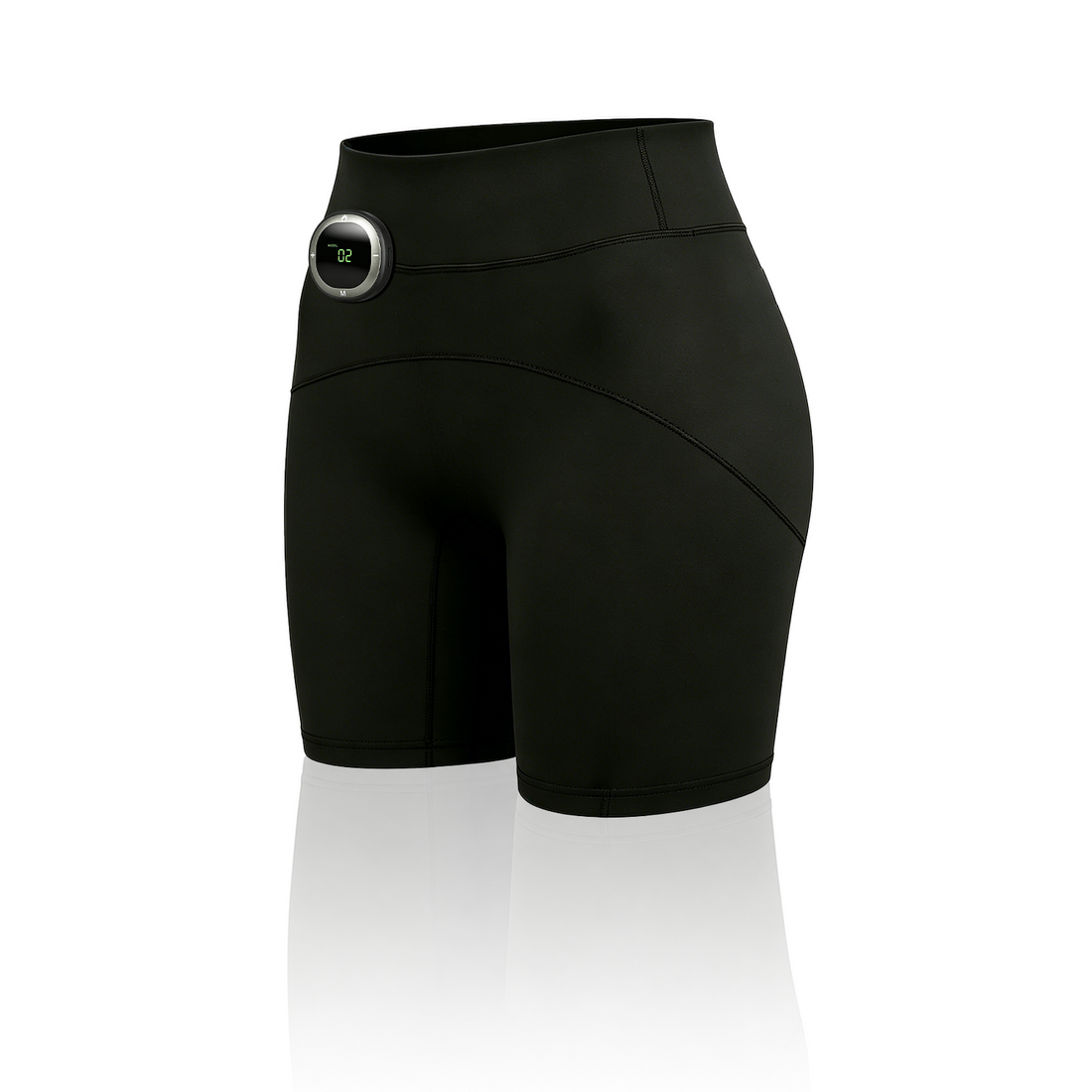 Yoeyou EMS Toning Shorts
- Regular price
-
From
$119.00 - Regular price
-
$235.00 - Sale price
-
From
$119.00
Quick view
-
Yoeyou EMS Back Trainer Pro
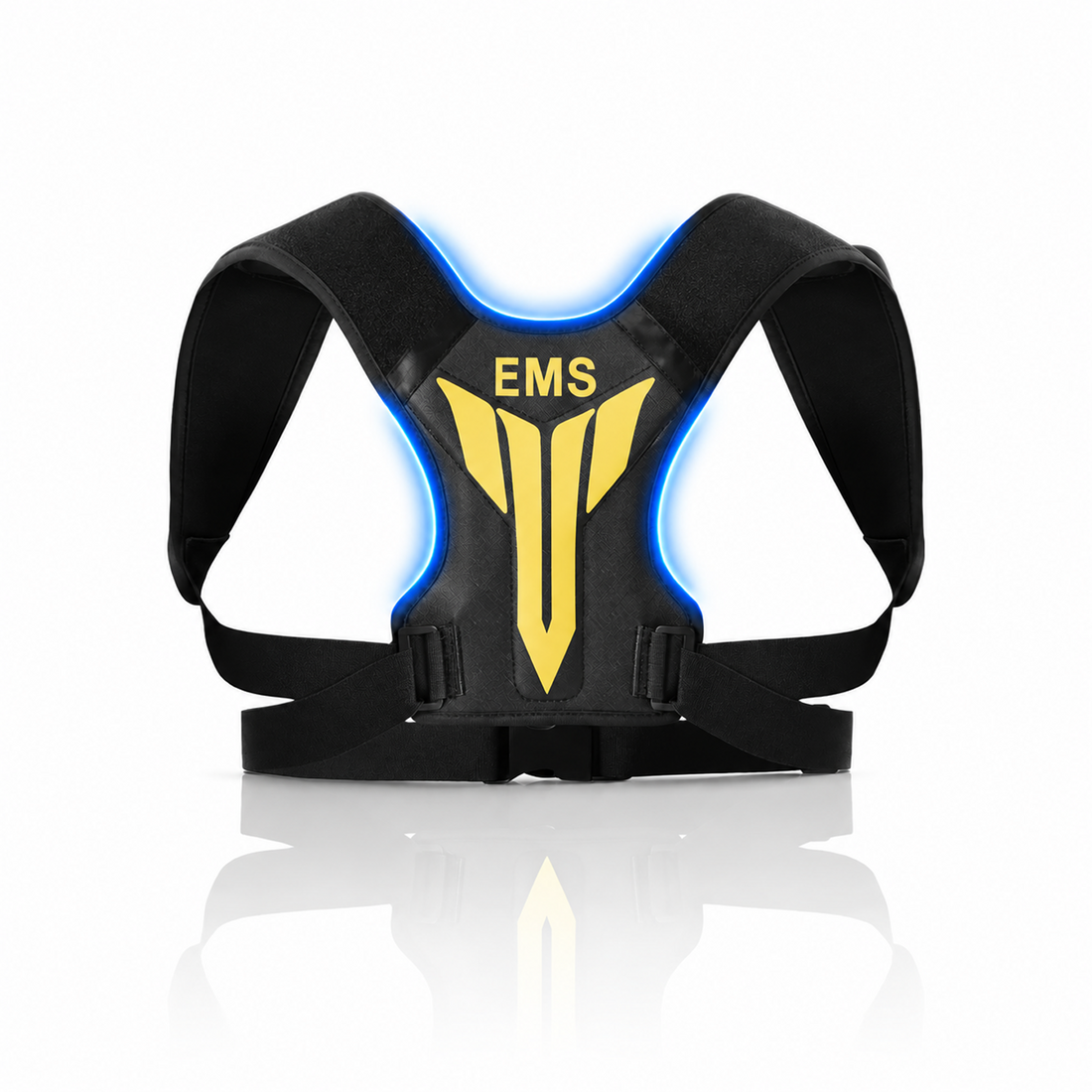 Yoeyou EMS Back Trainer Pro
- Regular price
-
From
$99.00 - Regular price
-
$195.00 - Sale price
-
From
$99.00
Quick view
-
Yoeyou 850nm Red Light Face and Neck Mask
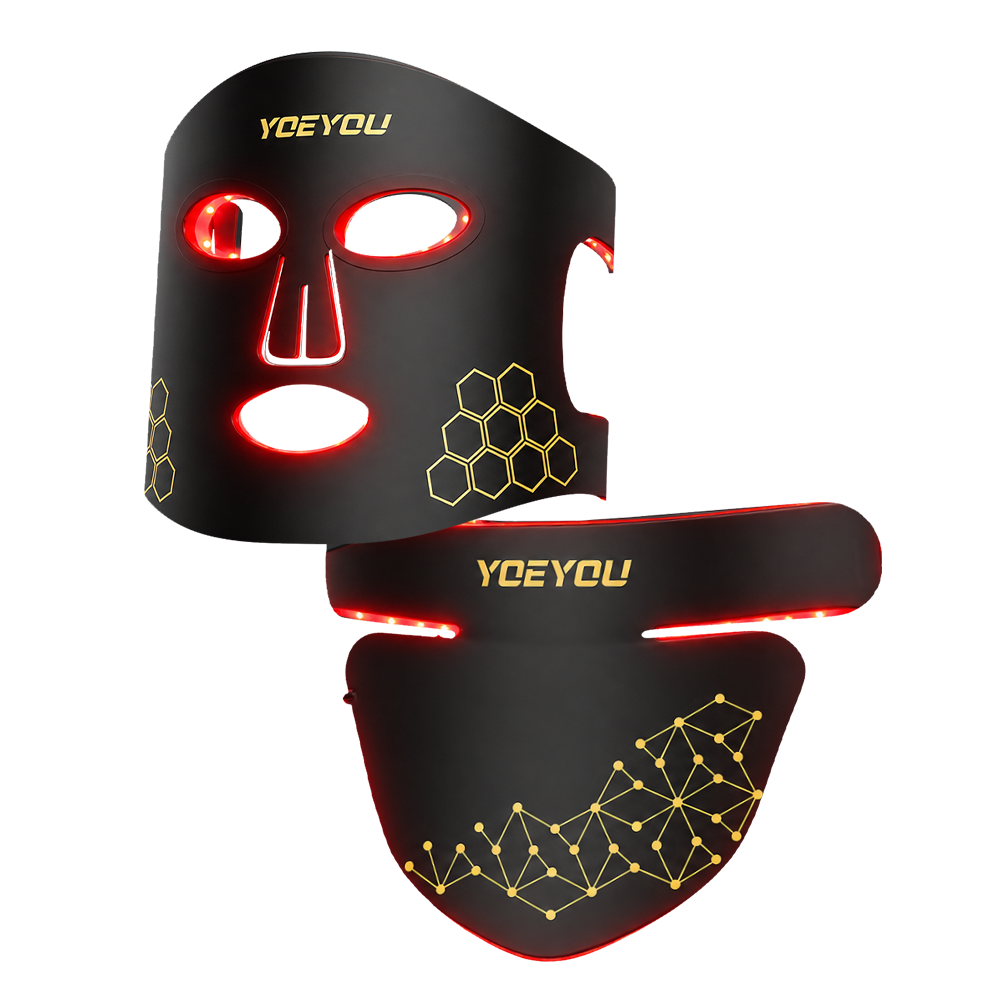 Yoeyou 850nm Red Light Face and Neck Mask
- Regular price
-
From
$99.99 - Regular price
-
$199.99 - Sale price
-
From
$99.99
Quick view
